Cielo
Key Takeaways
-
Set a thermostat schedule based on whether you’re home, away, or asleep.
-
Set a lower temperature instead of turning your heating system off when you are away for extended periods.
-
Use a smart thermostat to automate schedules, control temperature remotely, and simplify home climate control.
Instead of maintaining the same temperature throughout the day, adjust your thermostat based on your routine. Keep your home warm when you’re awake and at home, and lower the temperature when you’re away or asleep. These adjustments can help reduce unnecessary heating and lower energy costs without sacrificing comfort.
In this guide, we’ll cover recommended winter thermostat settings, show you how to create a schedule that fits your daily routine, and explain how a smart thermostat can simplify scheduling.
Recommended Thermostat Schedule for Heating
Here are the recommended thermostat settings for different situations.
At Home: 68–70°F
The ideal winter temperature when you are home is between 68-70°F. You can schedule your heating system to reach this temperature shortly before you wake up and maintain it throughout the day while you’re home.
Away: 60–62°F
If you’re away during the day, lower your thermostat to avoid heating an empty home. A setback of 5–8 degrees from your usual temperature is generally recommended to help reduce energy use.
Asleep: 65–68°F
A slightly cooler bedroom can make sleeping more comfortable. Since your body temperature naturally drops as you fall asleep, lowering your thermostat at night may help support better sleep while reducing heating costs.
Related: What Is the Ideal Sleeping Temperature and How to Achieve It?
What to Set Your Thermostat While on Vacation for Winter Holidays
The optimal thermostat range for winter when you are on vacation is between 55°F-60°F. This can help you save money on heating costs while protecting your plumbing from freezing and potential damage to your home.
You can go as low as 45°F to save money if you experience mild winters and freezing pipes aren’t a significant concern. You can adjust from the recommended range based on your local climate, insulation, and plumbing layout.
How to Find the Right Temperature for Your Comfort
The recommended winter thermostat settings are a good starting point, but they may not suit everyone’s comfort preferences. The good news is that you can gradually adjust your settings to find a temperature that works for you.
Start with the temperature you normally prefer, then move toward the recommended energy-saving settings one degree at a time. Give yourself a day or two to adjust to each change. If you’re still comfortable, lower the temperature by another degree.
This gradual approach helps you adapt to cooler indoor temperatures without making sudden changes. It also helps you find a setting that balances comfort with energy savings.
However, always prioritize comfort and safety, especially for children, older adults, and anyone sensitive to cold.
Do You Need a Smart Thermostat to Set a Schedule?
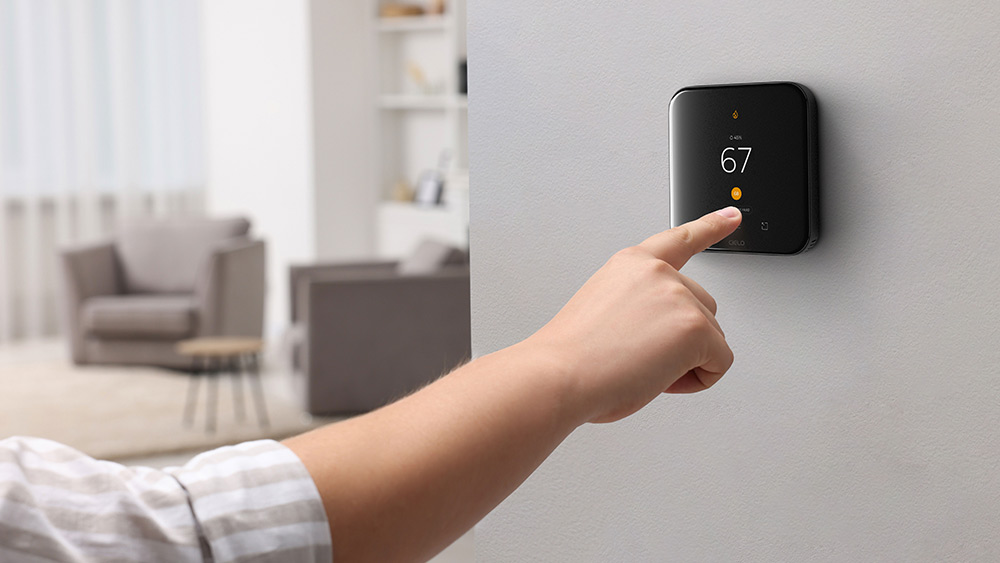
You don’t necessarily need a smart thermostat to create a schedule. However, a smart thermostat can offer additional convenience and control.
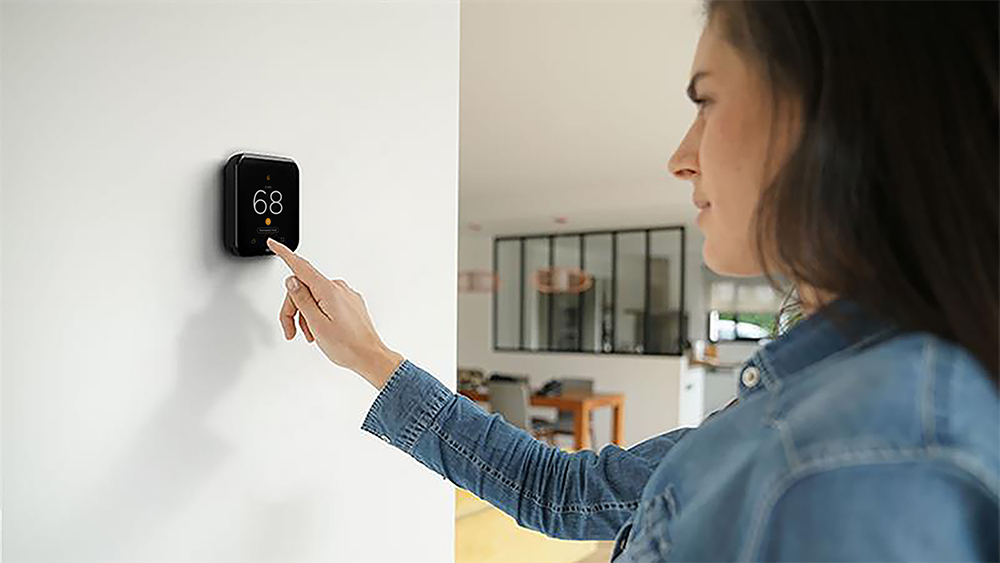
A smart thermostat can automatically adjust temperatures according to your daily routine. You can set different temperatures for mornings, daytime, evenings, and nighttime without making manual adjustments each time.
Other useful features include:
-
Control your home climate from anywhere using your phone.
-
Location-based controls that automatically adjust temperatures when you leave or return home.
-
Energy usage insights to identify where you’re using the most energy and find opportunities to save.
What If You Have a Mini-Split Heat Pump?
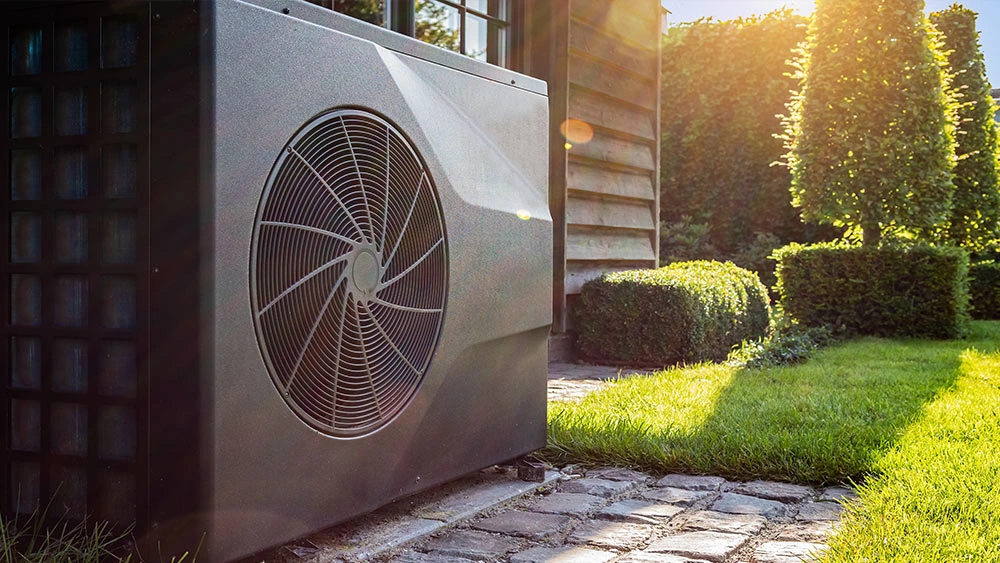
If you use a mini-split, window AC, or portable unit, your traditional remote may not offer the scheduling flexibility you need. Some remotes have timers, but they do not provide the convenience of a customizable daily or weekly schedule.
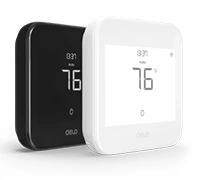
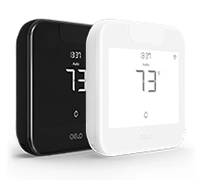
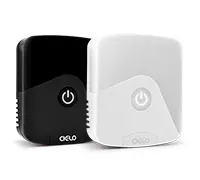
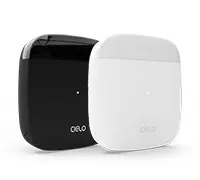
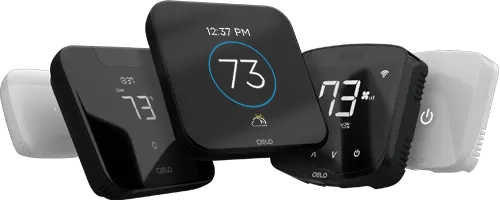
That’s where smart thermostats for mini-splits like Cielo Breez Max come in.
It lets you control your mini-split from your phone, set daily or weekly schedules that fit your lifestyle, and enjoy greater control over your home comfort.
How Scheduled Temperature Adjustments Improve Efficiency
A thermostat schedule tailored to your daily routine helps maintain comfort while avoiding unnecessary heating when your home is empty. It also lets your heating system run in a consistent pattern instead of constantly reacting to unexpected temperature changes.
This approach is backed by the heat-transfer principle: the greater the difference between indoor and outdoor temperatures, the faster your home loses heat. So, by doing the opposite and lowering your thermostat, you reduce the temperature difference, slow down heat loss, and reduce energy waste.
Additionally, keeping your heating system running at a lower setting instead of turning it off completely when you are away on vacation can help prevent pipes from freezing. It also reduces the need for your heating system to run for long periods to bring your home back to a comfortable temperature.
In Conclusion
The best winter thermostat schedule balances comfort and energy efficiency. Lowering temperatures while you’re asleep or away can help reduce unnecessary heating without affecting your comfort.
Start with the recommended settings, adjust gradually, and find what works best for your household. For more convenient temperature control, a smart thermostat can automate your heating schedule and make winter comfort easier to manage.