Cielo
Cielo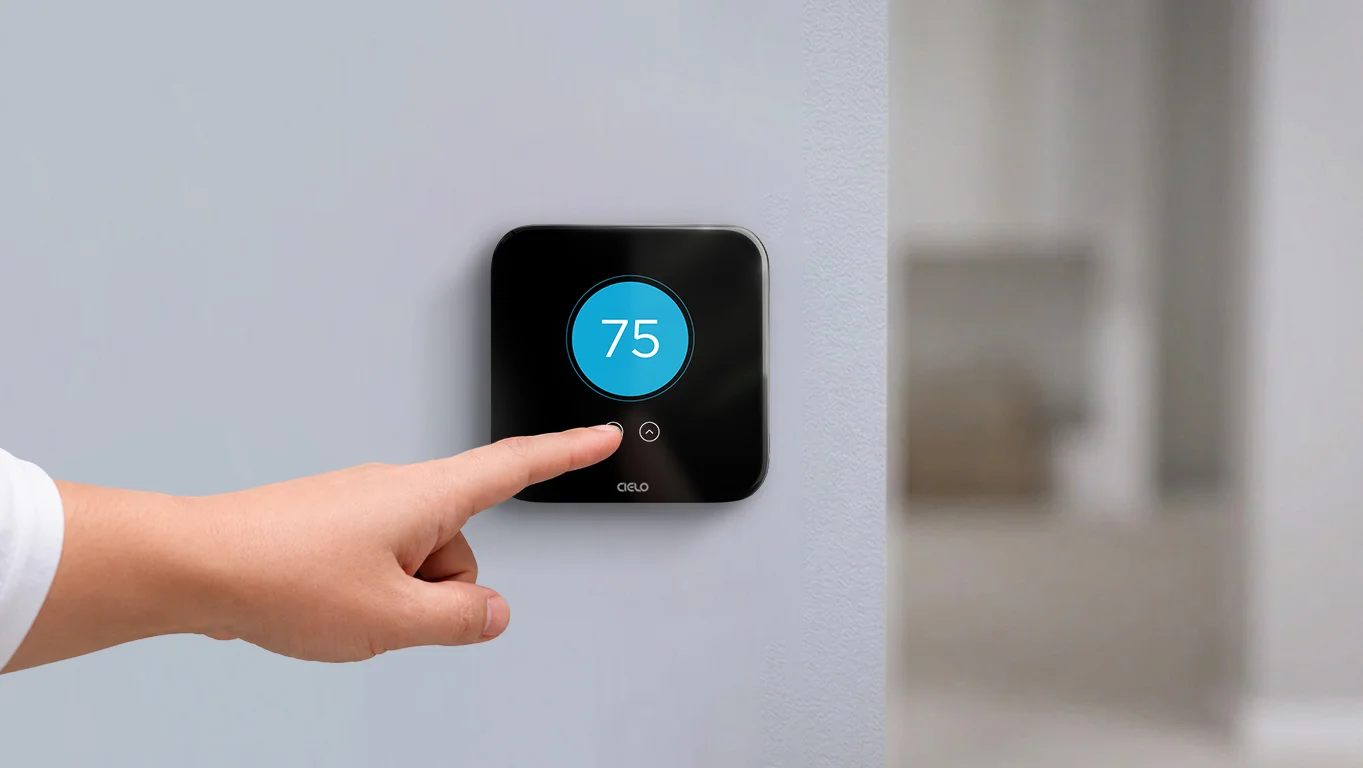
Key Takeaways
- Lowering your thermostat doesn’t cool your home faster; it just increases your AC runtime.
- For the best balance of comfort and energy savings, keep your thermostat set to 78°F.
- Improve your AC’s cooling performance by reducing heat gain and keeping your system well maintained.
On a hot summer day, it’s tempting to set a lower temperature, thinking your air conditioner will cool the space faster. After all, when your home feels unbearably warm, even a few extra minutes of waiting can seem like forever.
But does lowering the thermostat actually cool your home faster, or is it simply a common misconception?
Let’s find out!
Meet the Experts
- Stephanie Allen is an HVAC expert and CEO at AirWorks Solutions.
- Eli Zimmer is an HVAC professional and CEO at Luxaire HVAC Services
Will Cranking Down the Thermostat Cool Your Home More Quickly?
Your air conditioner cools down at a steady rate regardless of what you have set your thermostat to. Setting it to 65°F instead of 75°F doesn’t make the system work faster to get there. It just means the system keeps running longer, because it now has a lower target to hit.
“Lowering the thermostat doesn’t give your air conditioner any extra cooling power. Instead, it can put additional strain on the system, increase energy consumption, and even mask underlying issues such as a clogged air filter, restricted airflow, low refrigerant, or dirty coils,” says Stephanie Allen, CEO of AirWorks Heating Air Plumbing.
The extended cooling cycle can lead to:
- Higher energy bills due to longer HVAC runtime
- Increased wear and tear on your unit.
- Reduced overall energy efficiency.
- An uncomfortably cold indoor environment if the thermostat is left at a lower setting for longer periods.
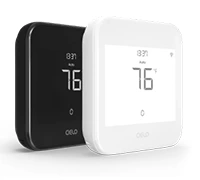
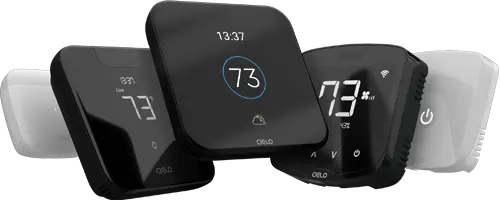
Budget-friendly smart thermostat for central HVAC systems. A thermostat that guarantees savings.
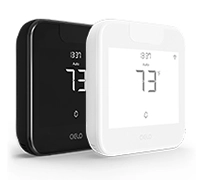
Award-winning smart thermostat for mini-splits. Technology that goes above & beyond.
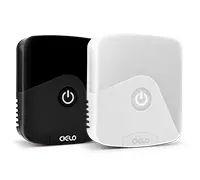
Sleekest smart thermostat for mini-split, window & portable ACs. A design that magically blends.
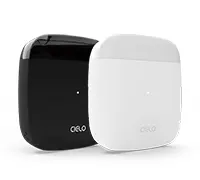
Smart mini-split thermostat that is engineered for affordable comfort. Small in size, big in benefits.
How to Use Your Thermostat the Right Way
Using your thermostat correctly can keep your home comfortable while reducing energy consumption and unnecessary strain on your HVAC system.
Set a Comfortable Temperature, Not the Lowest One
Instead of drastically lowering the thermostat, set it to the highest temperature you’re comfortable with. It is recommended to keep your thermostat at 78°F when you’re home for an optimal balance of comfort and savings.
Equip your HVAC system with smart features and achieve the perfect balance between comfort & savings.
Learn more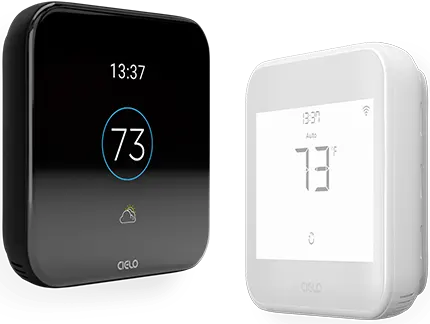
Schedule Cooling Before You Arrive Home
Use your thermostat’s scheduling feature to start cooling your home shortly before you arrive. This way, you’ll return to a comfortable home without running your AC all day.
Use the Geofencing Feature
“There are a lot of smart features that can help with comfort and efficiency. A great one is occupancy detection”, says Eli Zimmer, CEO of Luxaire HVAC Services.
Geofencing detects when you leave or arrive home using your phone’s location (provided you have granted access to it).
“Location-based controls allow you to save energy automatically by not cooling your home when nobody is in. When you return, it restores your preferred settings, helping reduce energy waste without sacrificing comfort”, says Zimmer.
Enable Adaptive Recovery
Some smart thermostats offer an advanced feature called Adaptive Recovery. Also known as Smart Recovery, Recovery Mode, or Early Start, this feature intelligently starts preheating or precooling your home ahead of your scheduled activity. This helps your home reach the desired temperature right when you need it.
How to Maximize Your AC Cooling Performance
If you want your home to cool down more quickly, focus on improving airflow and reducing heat gain instead of drastically lowering the thermostat.
- Use fans alongside your AC: Moving air feels cooler on your skin and helps distribute conditioned air throughout the room more quickly.
- Close blinds and curtains on sun-facing windows: Preventing sunlight from entering your home reduces heat gain and helps your AC cool more efficiently.
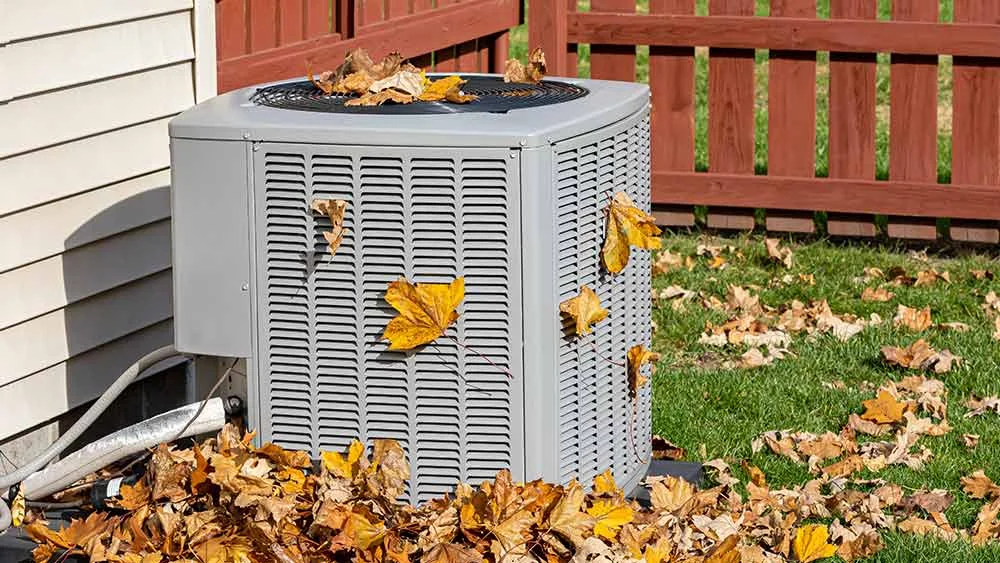
- Keep your HVAC system well maintained: Replace air filters regularly, keep the outdoor unit free of debris, and schedule annual professional maintenance to ensure your system operates at peak efficiency.
Related: Make Your AC Work Better With 12 Surefire Strategies
The Bottom Line
Cranking your thermostat down may seem like the quickest way to cool your home, but it doesn’t make your air conditioner work any faster. Instead, it increases runtime, wastes energy, and puts unnecessary strain on your HVAC system. By using your thermostat wisely and following a few simple cooling strategies, you can stay comfortable, lower your energy bills, and help extend the life of your air conditioner.
Frequently Asked Questions
Does setting your AC to 78°F save energy?
Yes. Setting your thermostat to 78°F while you're home is widely recommended because it provides a good balance between comfort and energy efficiency. The higher the thermostat setting, the less your air conditioner has to run, which can help lower cooling costs. If 78°F feels too warm, lower the temperature by a degree or two until you find a setting that's comfortable.