Cielo
Cielo
Key Takeaways
- The scheduling feature on Cielo smart thermostats for mini-splits allows you to automate your AC operation according to your routine.
- You can easily set up and manage your AC schedules using the Cielo Home app.
- Implementing schedules can lead to significant energy savings by reducing unnecessary AC usage.
While room air conditioners provide a comfortable climate, whether it’s a scorching summer or a freezing winter, changing settings with the AC remote control can be a hassle. Moreover, remote controls don’t offer advanced Wi-Fi controls like scheduling to automate home climate.
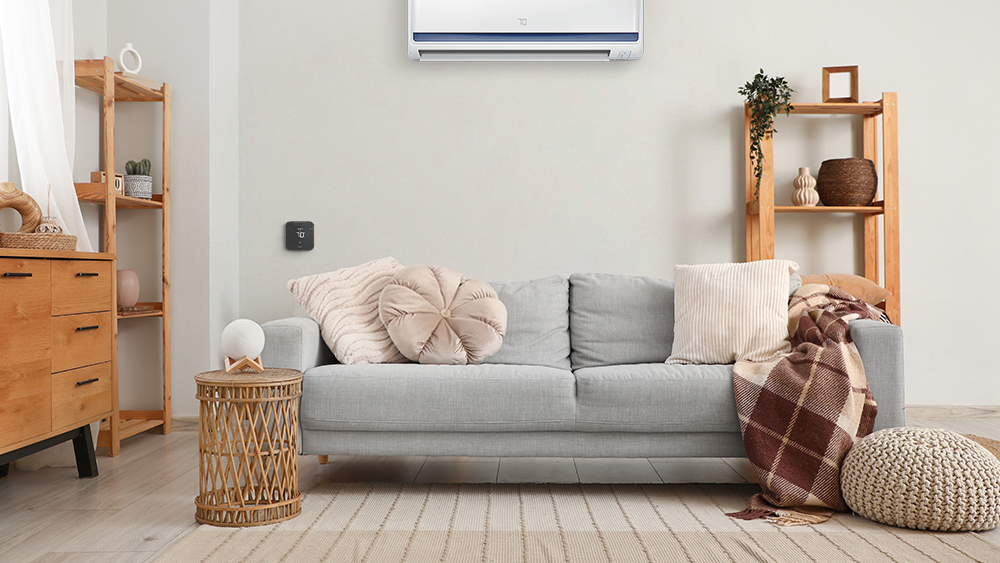
Fortunately, you can make your dumb mini-split, window, or portable AC smart in minutes with the help of a smart thermostat for ductless systems. These smart devices allow you to control your unit from anywhere using your phone. You can also set up a heating and cooling schedule, making it super convenient to maintain an ideal climate without manual adjustments.
Whether you want to improve your home comfort or lower your electricity bill, customized schedules have you covered. This blog will discuss smart scheduling and how you can set up a schedule for your room AC/heat pump with Cielo Breez smart AC controllers.
Smart Scheduling
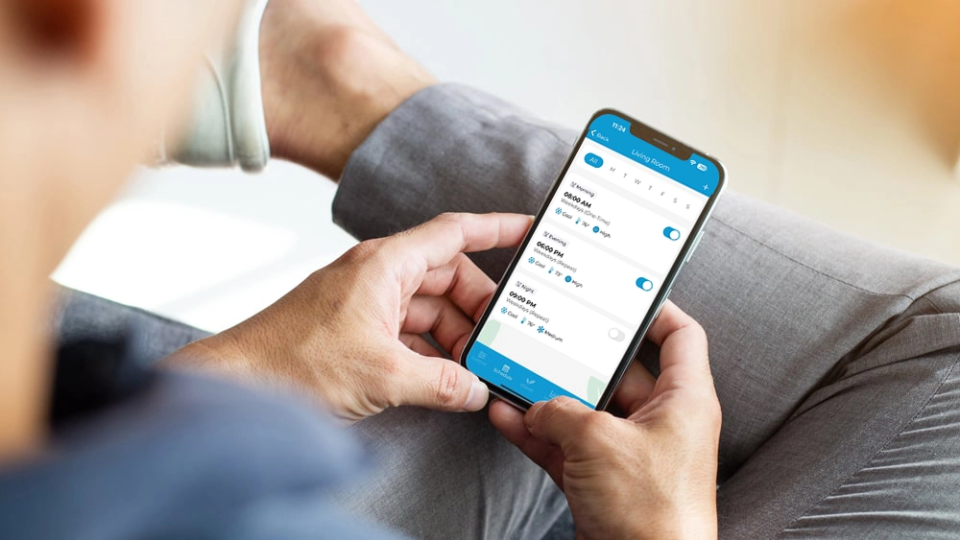
One of the best features of mini-split thermostats is the ability to set schedules based on your routine. You can set up an automated schedule that adjusts the temperature and other AC settings according to your preference.
With scheduling, you can program different thermostat settings for each day. You don’t even need to adjust it every week if your routine stays the same. Just turn on the repeat mode, and the same schedule will continue next week. Moreover, you can set up multiple schedules in a single day, depending on your routine and requirements.
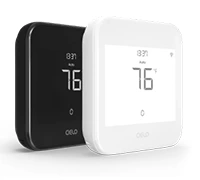
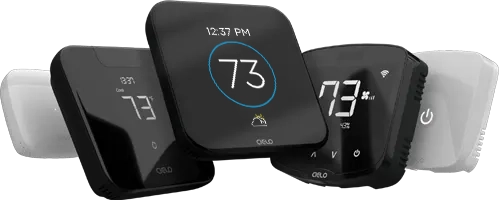
Budget-friendly smart thermostat for central HVAC systems. A thermostat that guarantees savings.
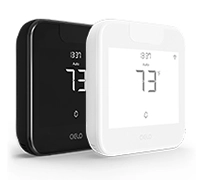
Award-winning smart thermostat for mini-splits. Technology that goes above & beyond.
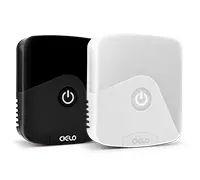
Sleekest smart thermostat for mini-split, window & portable ACs. A design that magically blends.
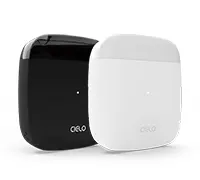
Smart mini-split thermostat that is engineered for affordable comfort. Small in size, big in benefits.
For instance, if you prefer a cooler room temperature to sleep in but dread getting out of the comfy bed in the morning, you can have your unit switch to heat mode 30 minutes before waking up. This sets the right tone for your entire day as you wake up to a comfortable room temperature.
When heading out for work, you can have your unit turn off or keep it running using a thermostat setback approach. In this method, you set back your temperature 7-10 degrees from your usual settings to minimize energy consumption. Then, before you return from work, your AC will automatically switch back to your regular comfort settings.
Your best choice to make any mini-split, window,
or portable AC smart. Enhance your comfort and savings.
Moreover, with scheduling, your vacation can be stress-free! For instance, you can prevent frozen pipes in your home by implementing low heat settings before you leave – then come back to your cozy home as it heats up and reverts to your regular temperature. No worries while you are away; your schedule has got it all taken care of.
How to Set up a Schedule for Your Room Air Conditioner/Heat Pump With Cielo Breez
Programming your temperature settings is super easy with smart AC controllers. With a few taps, you can set up the schedule in the app in no time. Here is a step-by-step guide on setting up a temperature schedule for your room air conditioner.
Cielo provides powerful scheduling functionality for its devices, allowing you to schedule your mini-split, window, or portable unit according to your desired settings and time. You can create schedules in four different ways:
- Custom Schedule: Easily schedule your preferred mode, temperature, and fan settings for the day(s) and time that works best for you.
- Preset Schedule: Allows you to schedule predefined Presets (Home, Away, Sleep)
- Comfy Max Schedule: Schedules your saved Comfy Max template (AI-based algorithm to eliminate overcooling/overheating).
- Comfy Mode Schedule: Allows you to schedule your Comfy Mode templates.
Step 1: On the Home screen, tap ‘More’ to access additional settings.
Step 2: Tap on ‘Schedule’ in the navigation bar.
Step 3: Tap on ‘+ Add Schedule’.
Step 4: Tap on ‘Custom Schedule’.
Step 5: Select the time/days you want to set the schedule for and choose whether you want to set it up as a repeat schedule. Tap on ‘Custom Settings’.
Step 6: Select the power state, mode, temperature, and fan speed of your choice and tap on ‘Done’.
Step 7: Tap on ‘Save’ to set up the schedule.
Once the schedule is set, it will appear on the schedule tab. You can turn it On/Off by toggling the slider against the schedule.
Similarly, you can schedule Comfy Max, Comfy Mode, and Presets for complete automation based on your routine and preferences.
Achieve Comfort & Convenience With Smart Scheduling
Opting for smart air conditioning can make all the difference in the level of comfort that you experience. Smart AC controllers allow you to set schedules to keep your home comfortable 24/7. With smart scheduling, you can easily set when and to what temperature your system will operate without constant adjustments throughout the day, saving valuable time and energy. Moreover, you can benefit from the other great features that smart AC controllers offer, like location-based controls, tracking energy usage, helpful cleanliness reminders, and more.